Reprints and the spread of a story: how to read them
When news breaks, dozens of sites and Telegram channels repeat it within hours: some copy the text word for word, some change the headline and a paragraph, some retell it in their own words. If every copy is a separate row, the team spends its time on duplicates. MediaMonitor groups such publications into one story. This article explains what it groups, what it leaves apart, and how to read a story page to see how a piece of news spread.
Three kinds of "the same news"
- Exact copies: the same text, word for word.
- Near-identical texts: a copy with a new headline, a dropped paragraph or an added sentence. Most of the wording is shared. Copies and near-copies are compared over a window of three days.
- Similar wording: a retelling of the same event in other words. It is recognised by meaning, with a multilingual language model that compares the texts.
On the story page every publication carries one of three labels. First publication is the earliest one. Reprint means the same or almost the same text. Similar wording means a retelling of the same event.
What you see in the feed
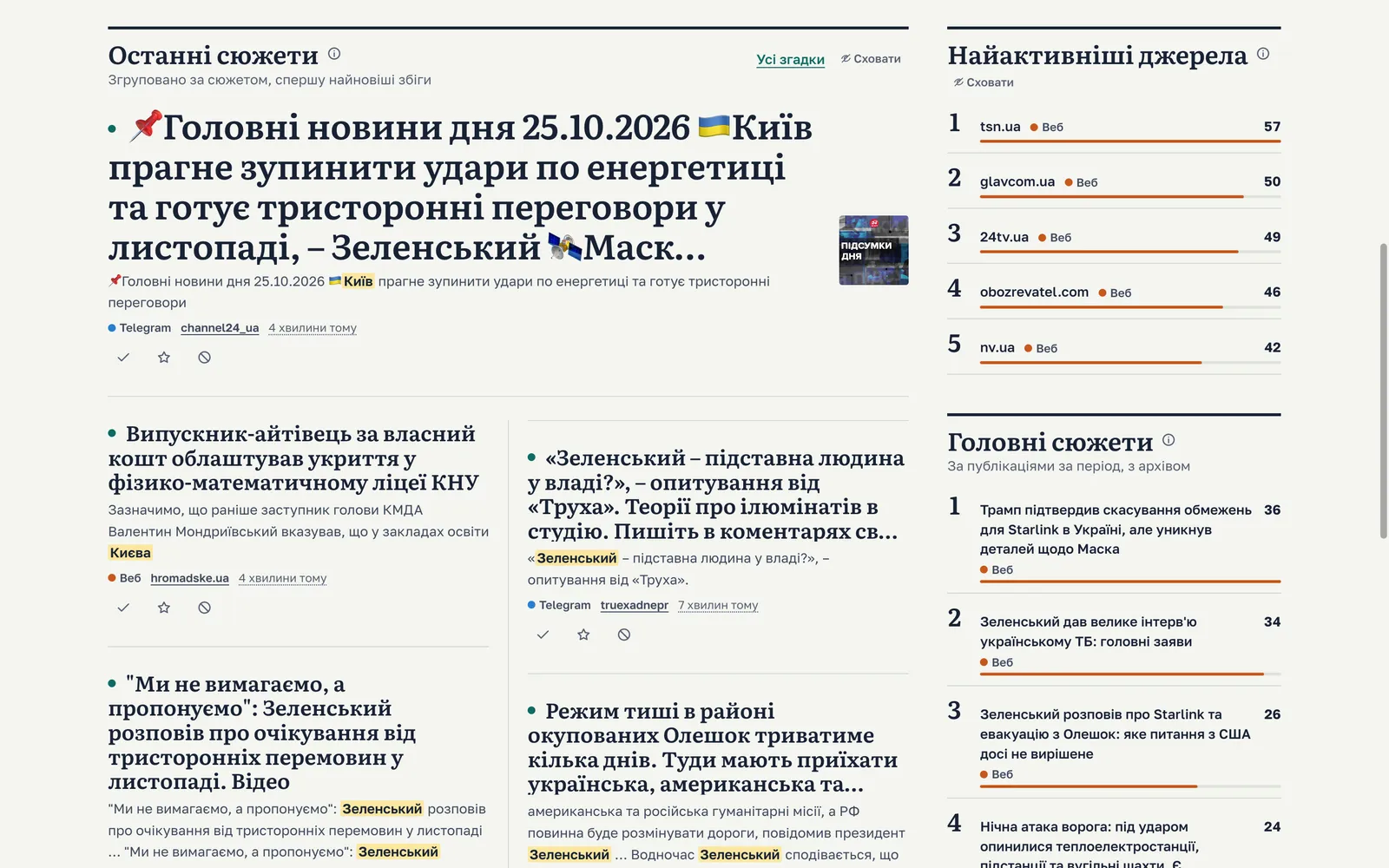
In the mentions feed a story takes one row, with "+N more" for the other publications in it. On the dashboard, Latest stories shows one row per story as well. A click on "+N more" opens all the publications of the story together.
The story page
At the top is the headline of the first publication and the number of publications of the story, in the current project or in all projects of the workspace. Below, the publications are listed in the order they were published, starting from the first. For each one you see:
- where it appeared: a site or a Telegram channel, with the source's name (it opens a page with every mention from that source);
- when it was published and when MediaMonitor found it, in Kyiv time;
- its label: First publication, Reprint or Similar wording;
- which project and query found it, with the team label of that match.
The list loads 50 publications at a time, up to 500. You can narrow the loaded ones by platform or by words in the source, title, text or author.
One thing to keep in mind: a story page shows the publications that your queries found in your workspace. An outlet that covered the same event without matching any of your queries is not in your view of the story. Two workspaces with different queries can see the same story with different counts.
Reading the spread: the winter-time switch
Here is a real story from our stream: the switch to winter time in October 2026. In the workspace whose view is shown on our home page, the story collected 129 publications from 107 sources between 23 and 25 October 2026. The first publication was on 24tv.ua, on 23 October at 09:52 Kyiv time.
What these figures tell, and how to read such a story yourself:
- Who was first. The top of the list is the first publication: the earliest of those your queries found. For this story it is 24tv.ua at 09:52 on 23 October. When the question is "who broke this", start here, and open the original to check what exactly it said.
- How far it went. 129 publications came from 107 sources, so most sources published it once and some came back to the topic. The source count shows reach better than the publication count.
- How it moved. Read the publication times down the list: the gaps show when pickup was slow and when it sped up.
- Where it moved. Filter the list by platform to see which Telegram channels and which sites carried it. A source's name opens all its mentions, so you can see whether it writes about your topics often.
- Copy or retelling. Many Reprint labels mean the text travelled as it was; many Similar wording labels mean outlets rewrote it. Show full text when you need to compare.
For alerts, the difference is large. With grouping on, a project that matches this story sends one alert for it, at its first mention in the project. With grouping off, every publication of the story that the project matched would be sent as an alert of its own.
One alert per story, and when to switch grouping off
Grouping is a setting of each project, Collapse reprints into one story, and it is on by default. When it is on, each story sends one alert and one webhook, for its first mention in the project. Later reprints still appear in the feed but are not sent anywhere. When it is off, every mention is sent.
Switch it off for a project where every publication matters on its own. For example, if you track where your own press release is reprinted and want to hear about each reprint, or if your system receives webhooks and counts publications itself.
What grouping cannot do
- It is automatic. Grouping is decided by how similar the texts are; nobody reviews each pair. It is not perfect, so open the story when a decision depends on it.
- Short texts join only when identical. A one-line Telegram post joins a story only if its text is exactly the same as another publication's. A short post that retells the news in other words stays on its own.
- Borderline pairs stay apart. When two texts are close but not close enough, they are not merged. You may see one event as two stories.
- A story covers a few days. A story spans at most three days, so a follow-up a week later starts a new one.
- Some posts are never grouped. News roundups and formulaic air-raid or threat alerts are left out of grouping, because they look alike even when they are about different events.
A short checklist
- Keep grouping on for projects that watch topics and people; switch it off where each reprint counts.
- Open the story page to see the first publication before you quote who broke the news.
- Read sources, not just publications, to judge how far a story went.
- Expect a split story now and then, and check the latest stories for the same event.
The story view is easiest to understand on your own topics. See MediaMonitor and set up a project to try it.